


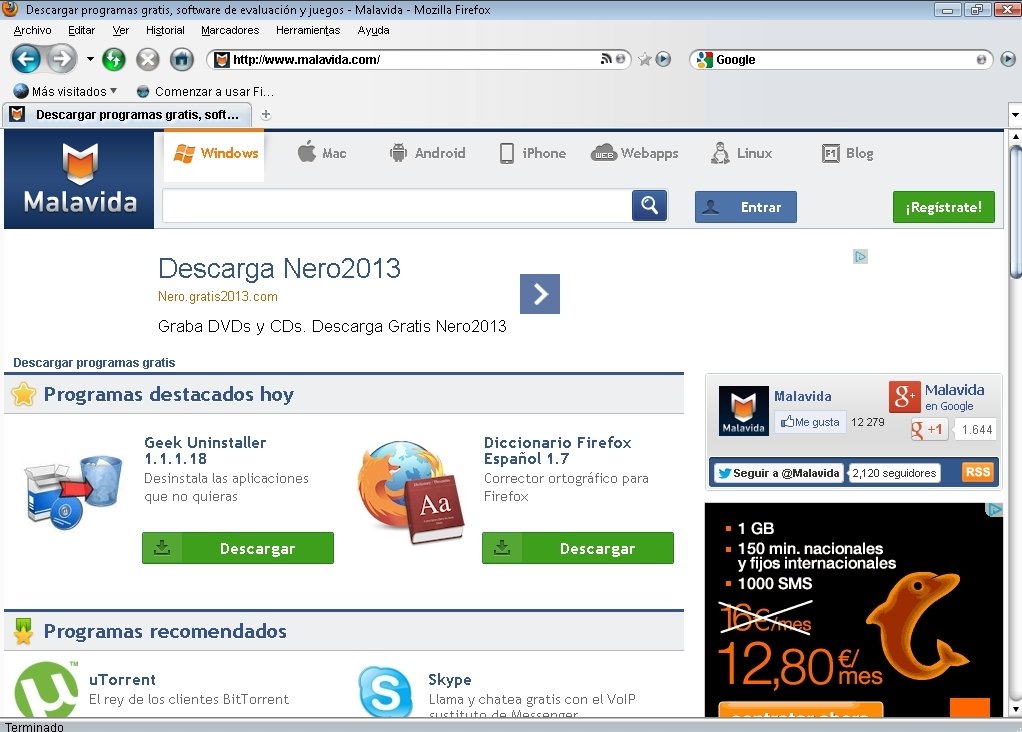
Firefox with the graphical interface of Windows Vista
The customisation possibilities offered by Firefox include a graphical interface. Metal Lion Vista is one of those add-ons for the browser that allow you to modify the interface by applying the appearance of Windows Vista.
Modify Firefox's graphical interface
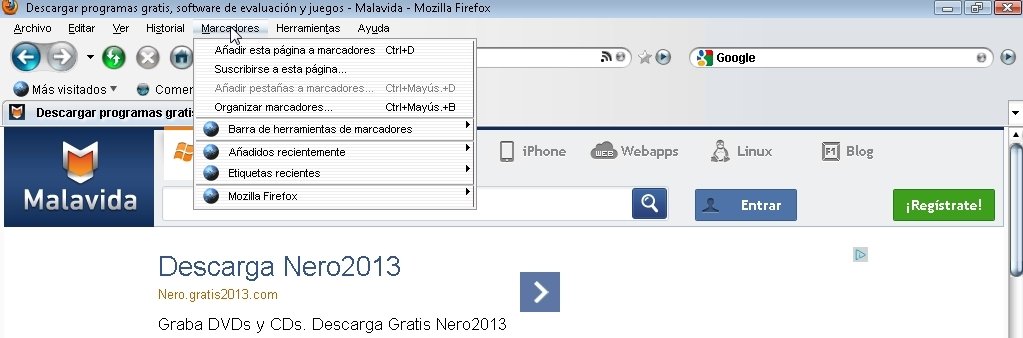
There's no accounting for taste, so if you like the graphics of Window Vista, you can apply them to Firefox, thanks to Metal Lion Vista. It's a theme that provides the browser with slimline and rounded shapes, with a range of blue and grey colours that are much more eye-catching than the original colours of the Mozilla product. Not only does this plug-in affect the external appearance, but also the internal menus, allowing the user to enjoy a better design of the latter.
Different yet simple installation
Metal Lion Vista, unlike what usually happens with Firefox add-ons, is programmed in Java. To install it, you only have to open the add-on control panel and drag & drop the add-on file on the interface. It will install automatically and you will only have to reboot the browser to enjoy its new appearance. As easy as that.
Enjoy an eye-catching Firefox.
Download Metal Lion Vista and change the usual and monotonous graphical aspect of Firefox for a much more attractive one.
Requirements and additional information:
- Requires Firefox 3.0b5 to 3.7.
- Requires Java.
- To install the theme you need to have the add-on menu open and drag & drop the JAR file on it.
 Elies Guzmán
With a degree in History, and later, in Documentation, I have over a decade of experience testing and writing about apps: reviews, guides, articles, news, tricks, and more. They have been countless, especially on Android, an operating system...

Antony Peel